


Release 2.96
Download the plugin from here
Goto Release History
Summary of Functions
A tool to allow you to dashboard, graph and search your OSM membership data. If you’re using WordPress Store Locator then the locations of Scout Groups can also be used.
Installation and Setup
Download the plugin from the link above and activate. A new option will appear in the Settings menu for OSM Dashboard

The first thing to do is to setup your OSM link. Log into OSM and goto the Settings->My Account Details and select the Developer Tools section
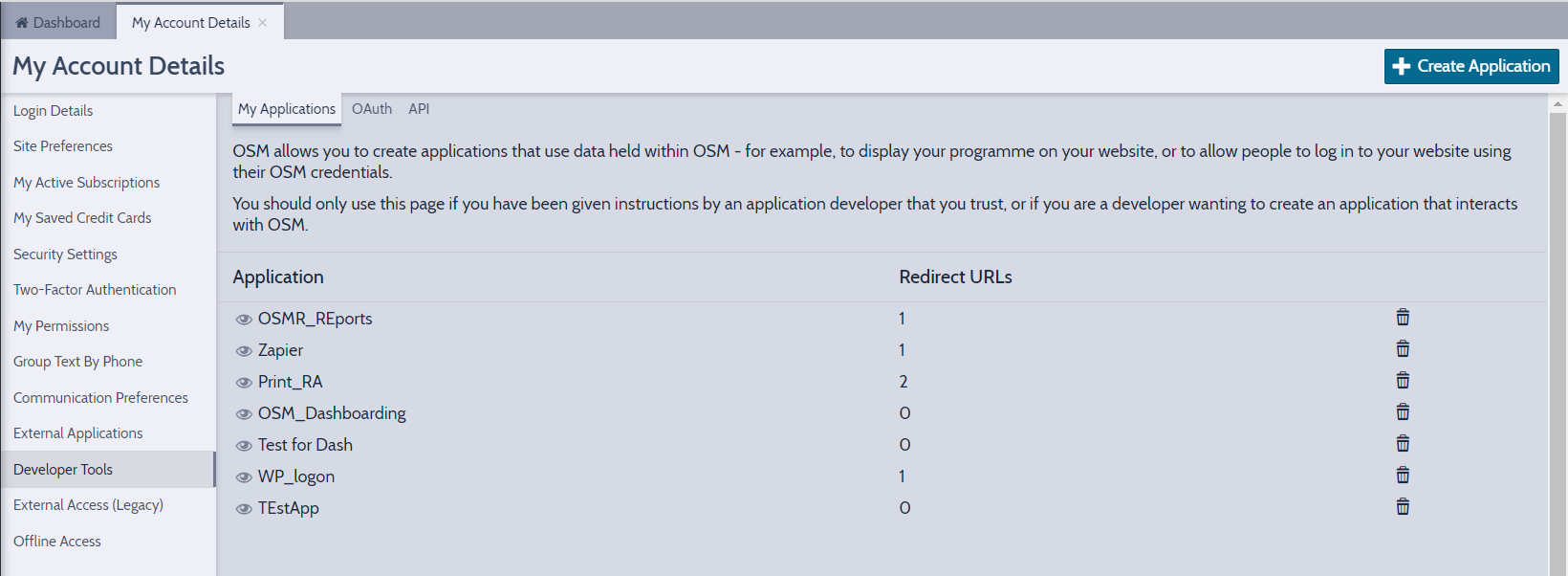
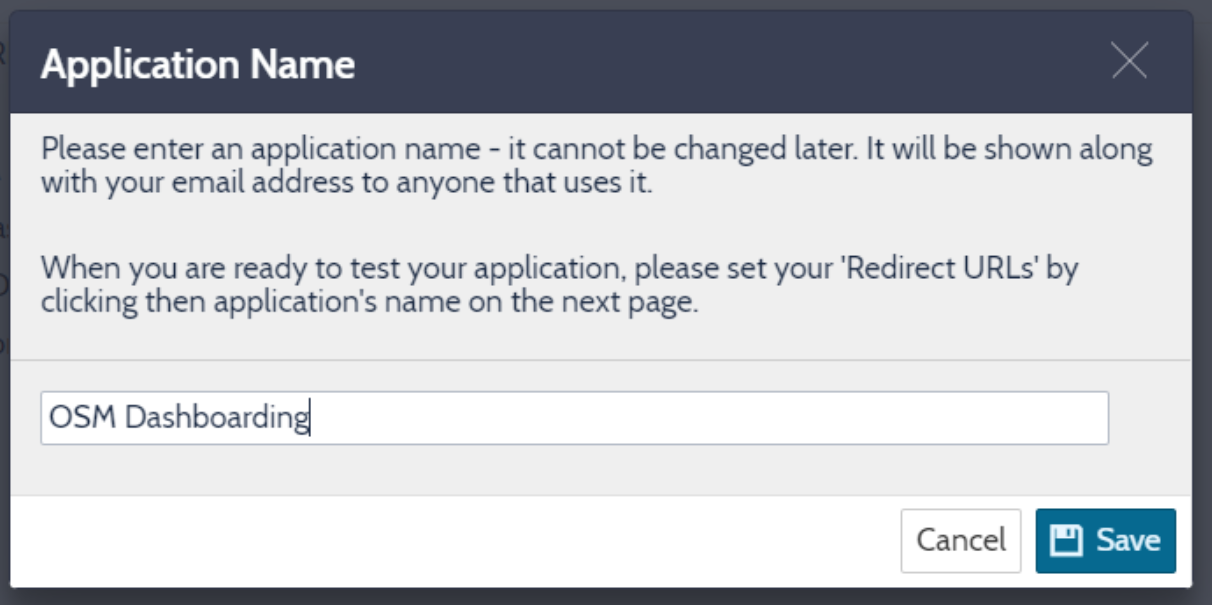
Select Create Application and enter a name and hit save – the two codes you need are displayed on the next screen – these need to pasted into the two field on the Settings screen.
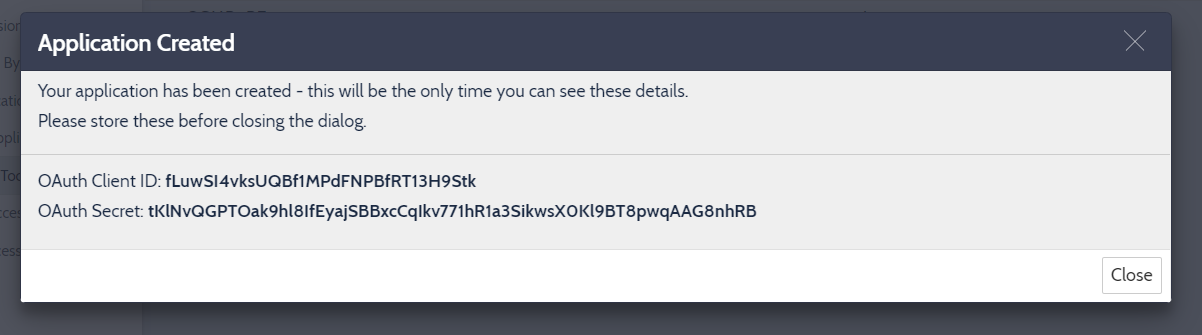
This is enough to get the main functions running
Dashboarding and Graphs


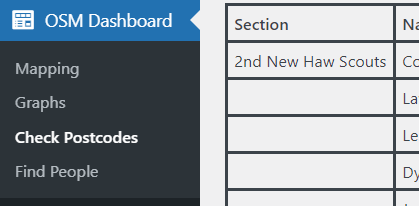
Search Members and check postcode data
The mapping and graphing tools are relatively self explanatory. Scout Groups are shown from the WPSL plugin if you use it – these can be filtered by category. Members data is used to group members – we use external APIs to convert postcodes to positions on the map, calculate IMD and Council Ward values.
For the closest distance we use the Bing API which you will need to generate an API key for and enter the key into the settings
https://docs.microsoft.com/en-us/bingmaps/getting-started/bing-maps-dev-center-help/getting-a-bing-maps-key
You can embed map dashboards into your normal website pages – the format is as below – the ID must be included and must be unique on the page as its used to allow you to include more than one dashboard on the page.

Trouble Shooting
Some hosting partners block the access required to call external services such as OSM.
Releases
- Release 2.96 : Current release

