


Quick start data for to add all badges to your WooCommerce store – includes all badges and images with a simple to use categorisation. Instructions are included in the download.
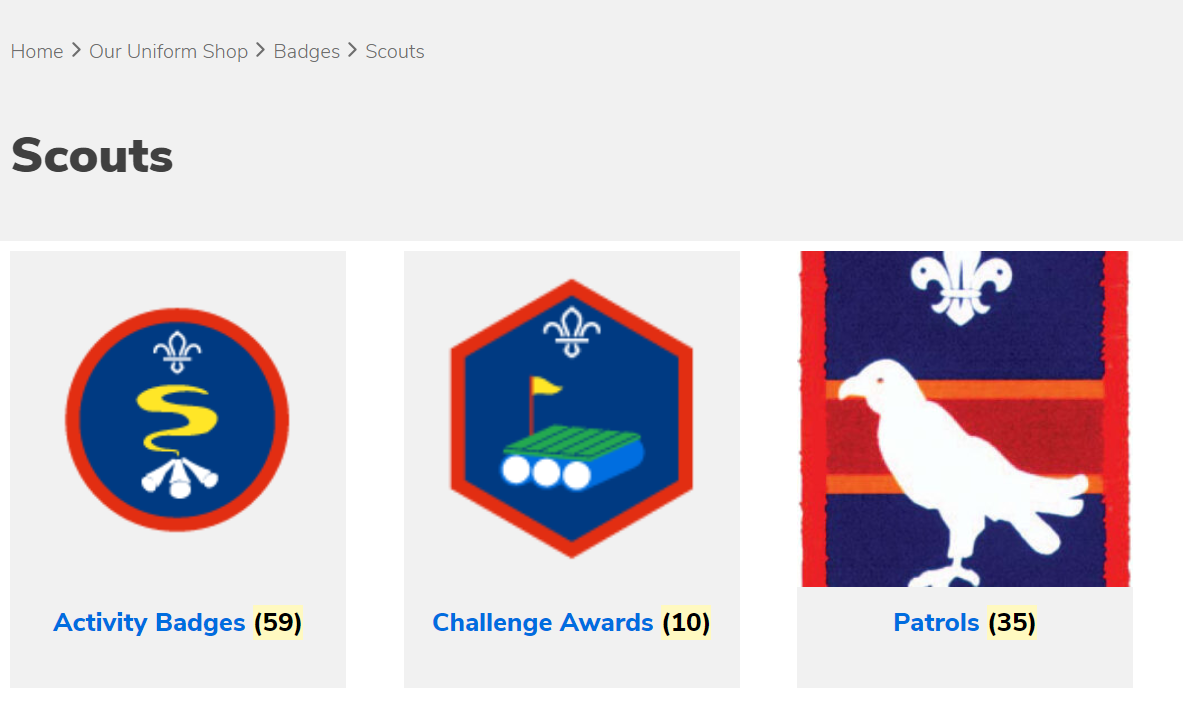
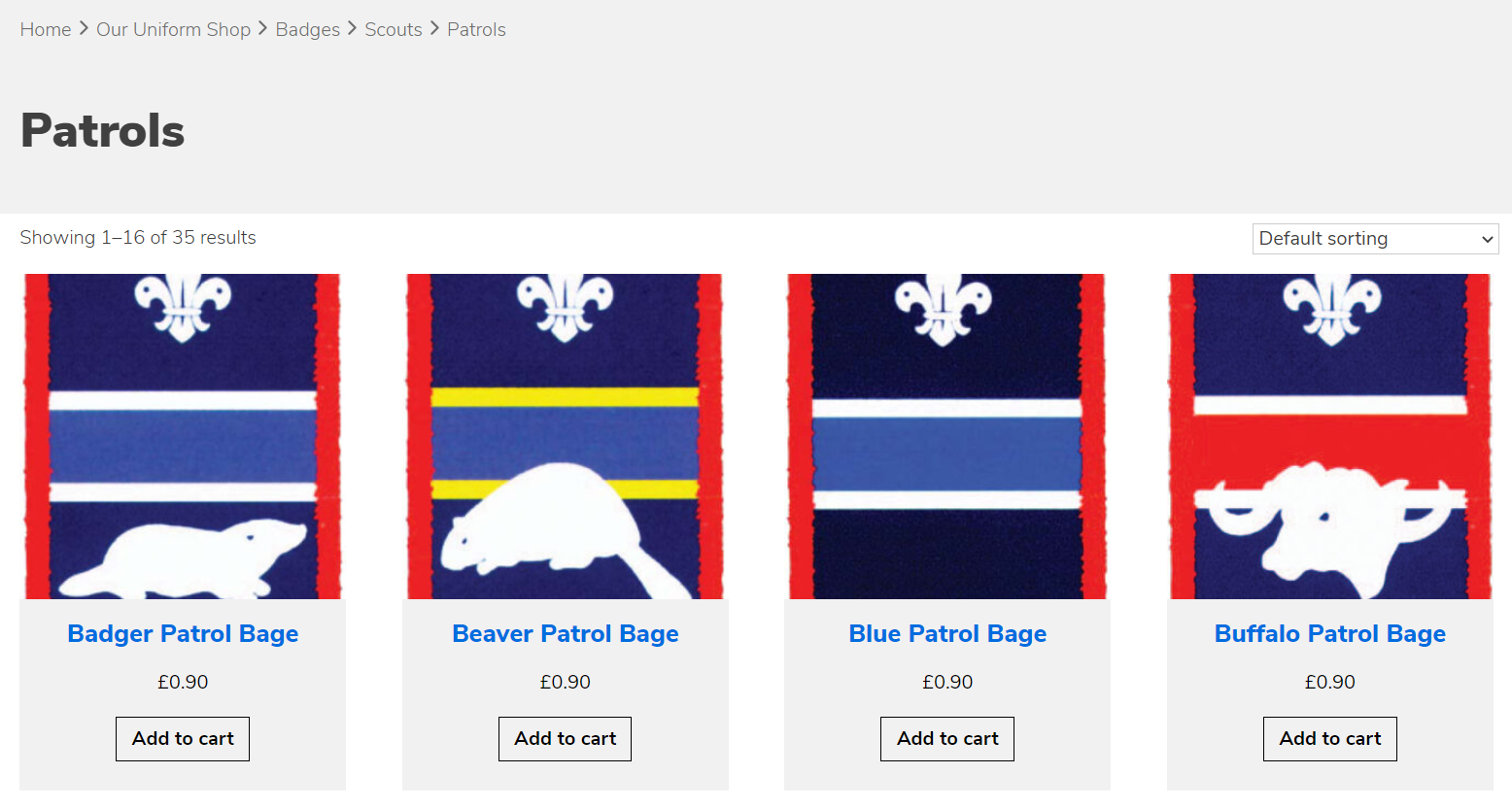
Quick Tip
We also recommend editing the SFL product templates so they display the complete hierarchy – you’ll find them in the theme’s woocommerce folder -they are called archive-product.php and single-product.php – the line you’re looking for is the skillsforlife_breadcrumb line (shown in green) add the // to this line and add the purple lines.
<div class="breadcrumbs">
	<div class="wrapper">
		<?php //skillsforlife_breadcrumbs(); ?>
		<?php
		$args = array(
			'delimiter' => '<li class="separator separator-home"> <div class="chevron-right-gray" style="font-weight: 100;"></div> </li>',
			'before' => '<li>',
			'after' =>"</li>",
			'wrap_before'=>"<ul id='breadcrumbs' class='breadcrumbs'>",
			'wrap_after'=>"</ul>"
	   );
	    woocommerce_breadcrumb($args); ?>

	</div>

